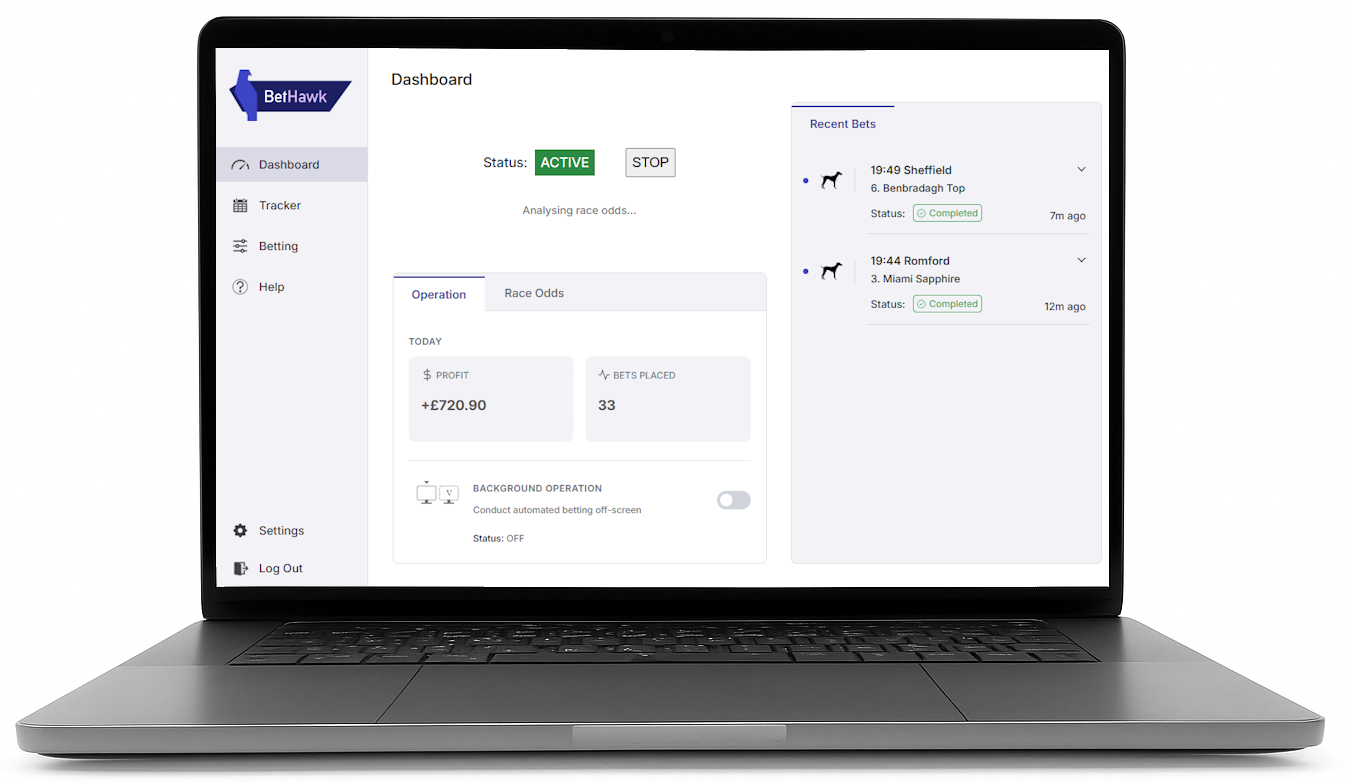
You need a Windows computer to use BetHawk.
Just visit this page on your computer and you'll be able to download BetHawk and get started on your value betting journey!

What you need to use BetHawk

Before you get started, let's go through what you need:

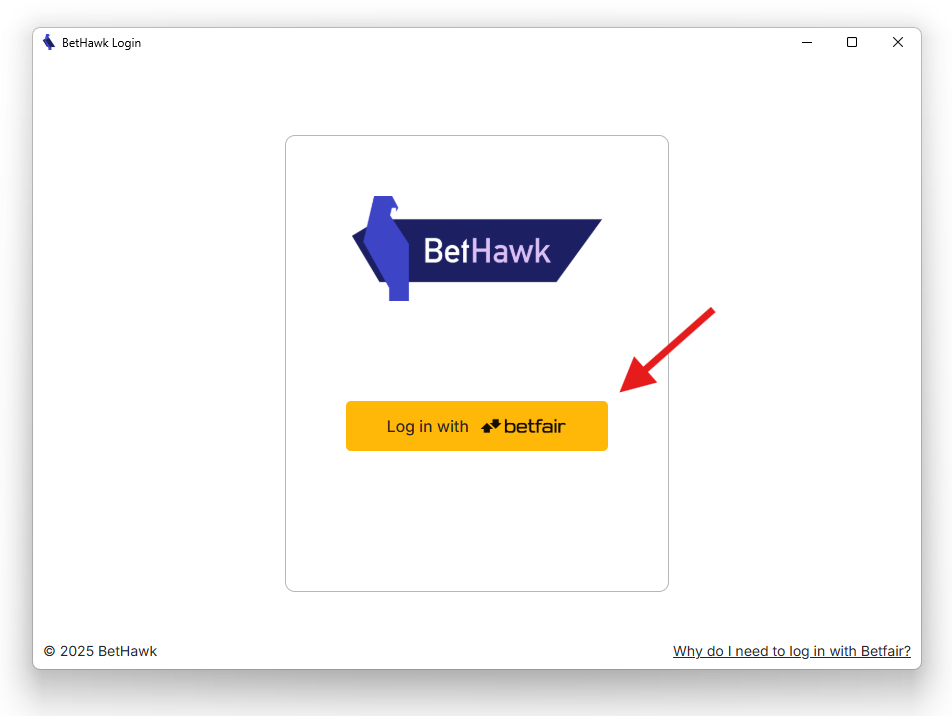
A Betfair Exchange account

This is what we use as our baseline to compare to bookmakers' odds to find value bets.
If you don't already have a Betfair account, you can sign up here.

Google Chrome

This browser is what BetHawk will use to interact with bookmakers' websites.

Bookmakers' accounts

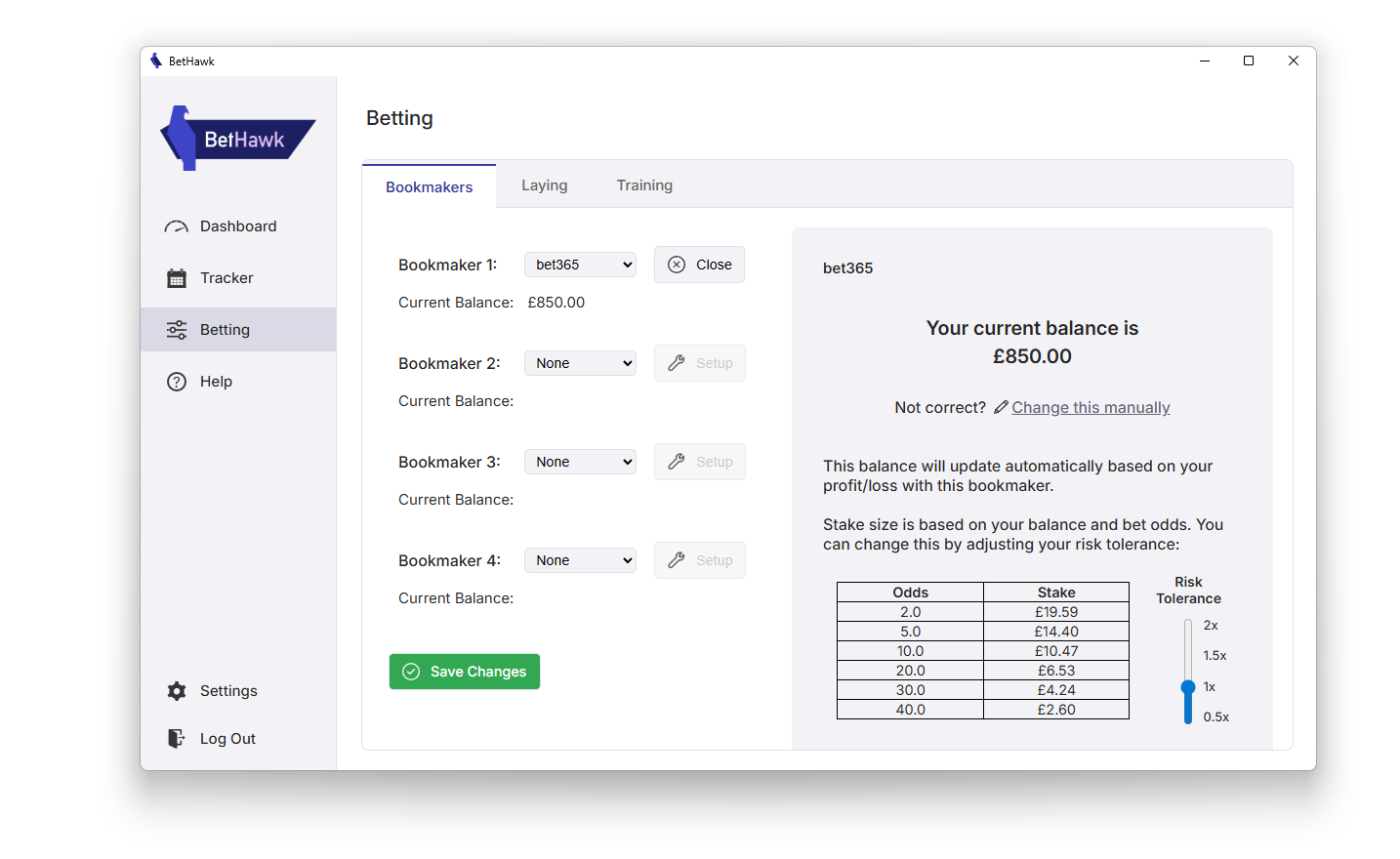
BetHawk identifies and places value bets for you on the websites of the bookmakers you have selected.
Download BetHawk

System Requirements

  • Windows 10 / Windows 11
  • At least 50MB available storage space
Please make sure your device meets these requirements to ensure the app can operate correctly.
Version 1.2.9
Download BetHawk
By installing BetHawk, you agree to the terms and conditions.
Join our community on WhatsApp/Discord!
Hear from our staff and some of our users about how to get the most out of BetHawk: